
Performance Ratio
PR targets
Configure the monthly Performance Ratio target for each plant, year by year.
PR targets page
Opened from the PR targets button in the Performance Ratio toolbar. It lets you configure, per plant and per year, a monthly target used to correct the theoretical producible energy in the PR calculation.
When a target is set for a month, the producible energy of that month is multiplied by the target. Months without a target keep the fixed system factor equal to 1.
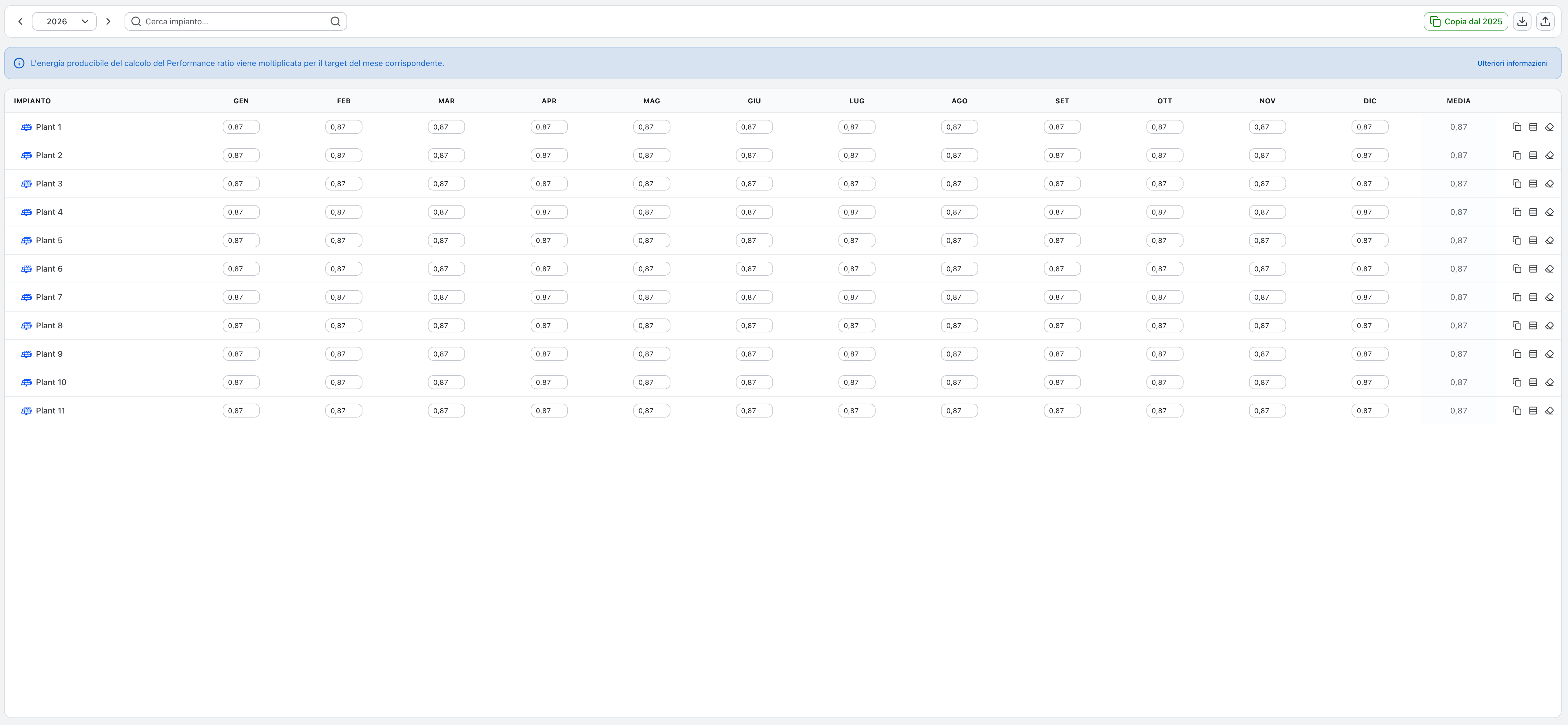
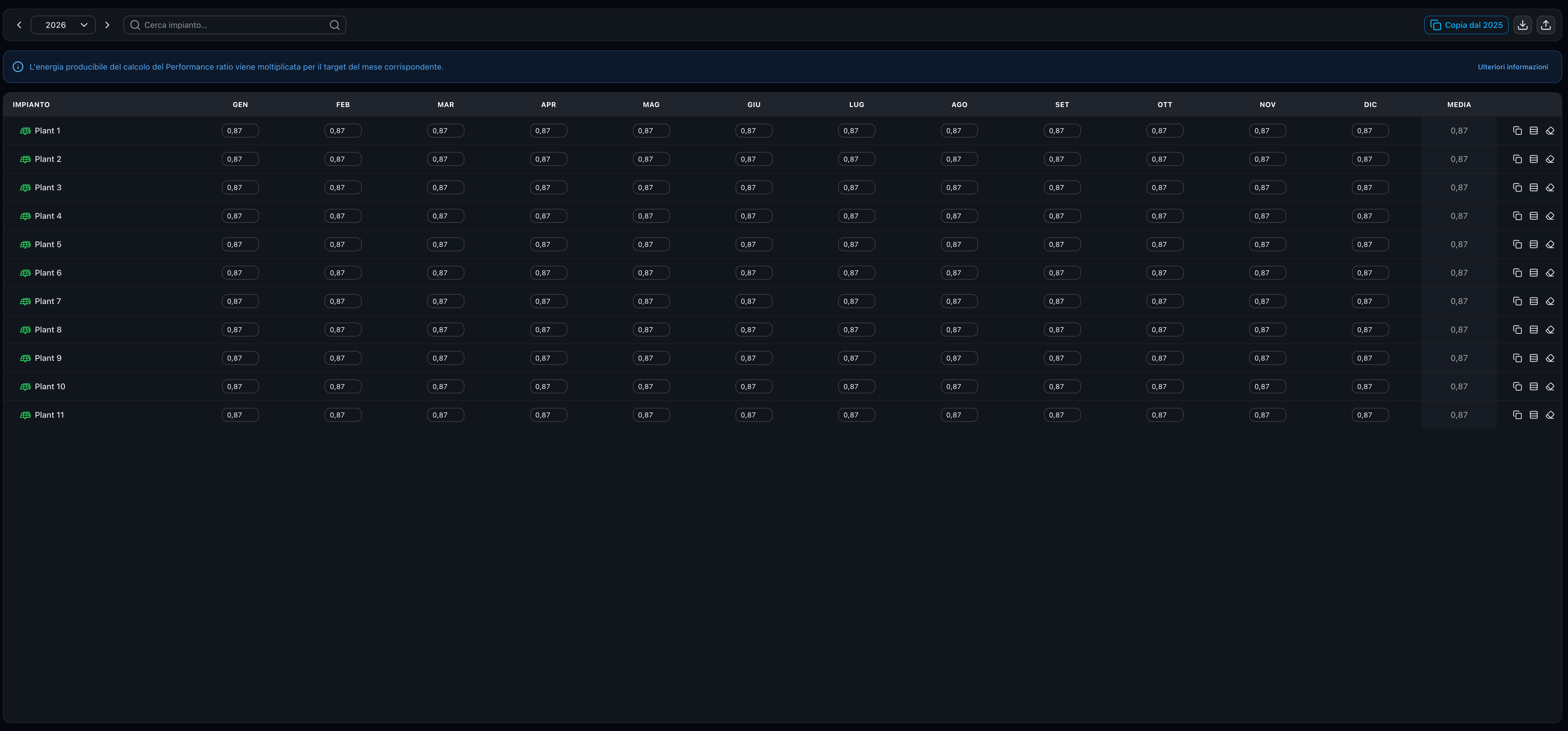
Layout
The page shows a grid for the selected year: one row per photovoltaic plant, one column per month, plus an Average column. All photovoltaic plants are always listed, so a newly added plant appears here too. Rows without any target are marked with an amber dot.
Toolbar
- Year — arrows and picker to choose the year. Changing year with unsaved changes asks for confirmation.
- Search plant — filters the rows by plant name.
- Copy from previous year — prefills the year by copying the previous year's targets into the rows that are still empty. A summary message reports the result (all plants filled, partially filled, or nothing to copy when the previous year has no targets).
- Export CSV / Import CSV — export the grid of the year, or import targets from a CSV file. Import accepts both dot and comma as decimal separator and displays values using the current language.
Editing
- Type the target in each cell as a value between 0 and 1 (e.g.
0.85). The decimal separator follows the current language (dot for English, comma for Italian) and both are accepted on input. - Modified cells are highlighted so you can see what is about to be saved.
- Row actions: copy the row from the previous year, apply one value to every month, or clear the row.
- Save / Undo / Redo — the floating bar appears when there are unsaved changes; it lets you undo and redo single edits, discard all changes, or save the whole year in one operation.
Editing requires the Performance Ratio management permission; without it the page is read-only.